Configure tracking for custom community or influencer accounts.
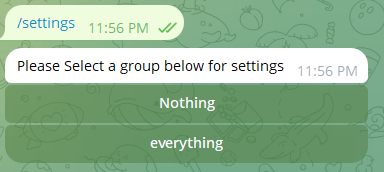
To access settings, use the command /settings in either a group or private chat. In a group, you will directly get a settings button. In private chat, you will get a list of groups to choose from as shown in the image below. Select the group of your choice.
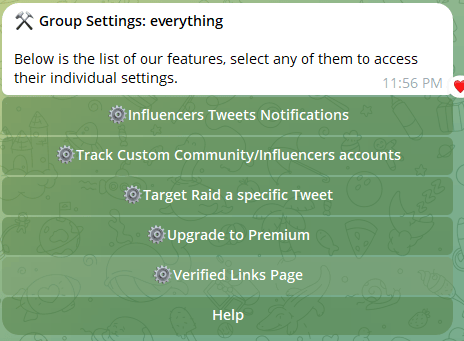
Once the settings are opened, you will get a menu like this. 👇
Select “Track Custom Community/Influencers accounts” button, you will see something like 👇
Clicking on “Track custom account” will ask you to enter a username.
Congrats, you’re done adding a custom account 🎉
Assistant
Responses are generated using AI and may contain mistakes.